
WordPress Freelancing
WordPress Freelancing Course in Palwal
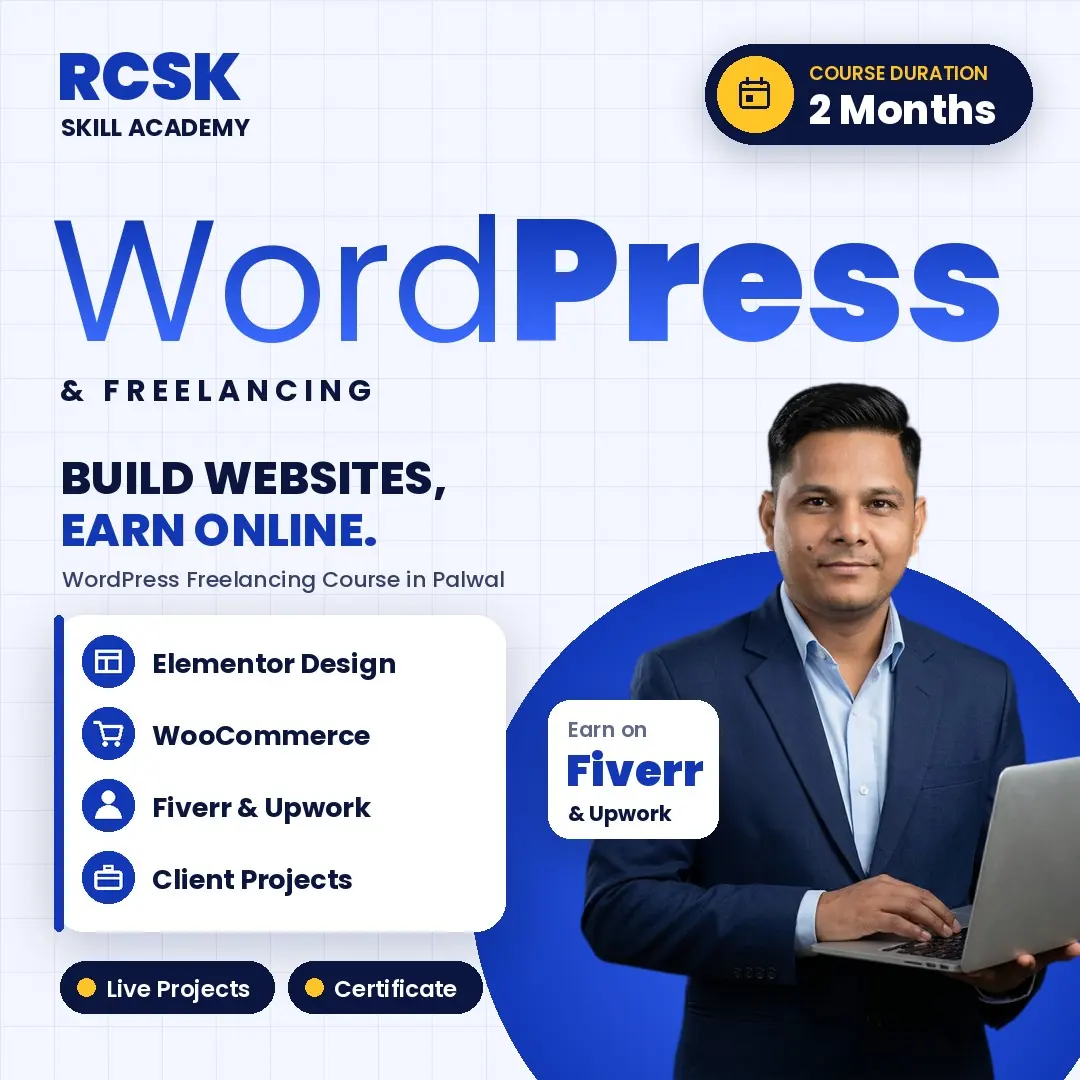
Join the WordPress Freelancing Course in Palwal and learn to build professional websites without coding, then win clients on Fiverr and Upwork. 2-month practical training with live projects.

About the WordPress Freelancing Course in Palwal
The WordPress Freelancing Course is for anyone who wants to learn website development and start earning online. You will build real websites without writing code – from domain, hosting and WordPress setup to theme customisation, Elementor page design, WooCommerce stores, SEO, security and speed optimisation.
Alongside the technical skills, you learn the business side: creating strong Fiverr and Upwork profiles, writing proposals, handling clients, revisions and payments, and building a portfolio website. By the end you can design professional websites for clients or for your own business, with lifetime support and doubt clearance from our trainers.
Also explore: SEO Course · Digital Marketing Course
Who Should Join This WordPress Freelancing Course?
Students & beginners
Who want a practical skill they can start earning from quickly.
Aspiring freelancers
Who want to sell website services on Fiverr, Upwork and to local clients.
Business owners
Who want to build and manage their own business website.
Bloggers & content creators
Who need a fast, SEO-ready site of their own.
Work-from-home learners
No coding knowledge needed – the training starts from the basics and builds up.
What You Will Learn in the WordPress Freelancing Course
01Introduction to WordPress
WordPress.org, domain and hosting
Introduction to WordPress
WordPress.org, domain and hosting
What WordPress is, WordPress.com vs WordPress.org, domain and hosting setup, and installing WordPress.
02Dashboard and Settings
Themes, plugins, widgets and menus
Dashboard and Settings
Themes, plugins, widgets and menus
Understanding the dashboard, themes, plugins and widgets, customising appearance, and managing menus and pages.
03Website Design and Development
Elementor, Divi and responsive layouts
Website Design and Development
Elementor, Divi and responsive layouts
Installing and customising themes, page builders (Elementor, Divi, Gutenberg), responsive layouts, contact forms and media.
04Blogging and SEO Setup
Yoast, Rank Math and on-page SEO
Blogging and SEO Setup
Yoast, Rank Math and on-page SEO
Posts and categories, on-page SEO, Yoast or Rank Math, blog structure and readability.
05E-commerce with WooCommerce
Products, payments and orders
E-commerce with WooCommerce
Products, payments and orders
Installing WooCommerce, product setup, payment gateway integration, inventory and orders, and designing a professional online store.
06Security and Speed Optimisation
Backups, SSL and caching
Security and Speed Optimisation
Backups, SSL and caching
Backup and restore, SSL and security plugins, cache and speed optimisation.
07Freelancing, Portfolio and Branding
Fiverr, Upwork, proposals and reviews
Freelancing, Portfolio and Branding
Fiverr, Upwork, proposals and reviews
Freelance platforms, strong profiles, effective proposals, building trust, a portfolio website, personal branding and testimonials.
08Client Projects and Career Growth
Live projects and international clients
Client Projects and Career Growth
Live projects and international clients
Working on live client projects, deadlines and communication, payments and revisions, winning international clients and scaling into an agency.
Skills You'll Gain in WordPress Training
- WordPress Setup
- Domain & Hosting
- Theme Customization
- Elementor Design
- SEO Optimization
- E-commerce Setup
- Freelancing Skills
- Portfolio Building
TOOLS YOU'LL MASTER
 WordPress
- Semrush
- Upwork
- Fiverr
You build in these tools during class, so by the end you can deliver a client website and pitch for work on your own. Also covered: Elementor, Divi, Gutenberg, WooCommerce, Yoast SEO and Rank Math.
Why Learn WordPress at RCSK Skill Academy?
RCSK Skill Academy has trained 7,150+ students across 10+ years of skill training in Palwal and works with 100+ hiring companies for placement support. Batches are kept small and every session is fully practical, so you leave each class with a website that actually works.
You finish with a portfolio website and client-ready projects. To bring your websites traffic, continue with our SEO Course, or the four-month Digital Marketing Course that adds Google Ads, social media and analytics.
FAQ – WordPress Freelancing Course in Palwal
Still have questions? Call or WhatsApp 99964 23465.
What is the WordPress Freelancing Course in Palwal at RCSK Skill Academy?
It is a 2-month practical course at RCSK Skill Academy in Palwal covering WordPress setup, domain and hosting, themes and plugins, Elementor design, WooCommerce, SEO, security, speed and freelancing on Fiverr and Upwork.
Do I need coding knowledge for this course?
No. The course is designed for beginners, and you build websites in WordPress without writing any code.
Who can join this course?
Students, beginners, aspiring freelancers, bloggers and business owners who want to build websites or start an online service can join.
Can I earn money after completing this course?
Yes. You can start freelancing, build websites for clients or start your own website service. Placement assistance is also available.
Will I get support after the course?
Yes. You get lifetime support, doubt sessions, guidance and project support.
Will I get a certificate after the course?
Yes, an RCSK Skill Academy certificate is issued on completion of the course and its practical project work.
How do I book a free demo class?
Call or WhatsApp 99964 23465 to book your free demo class, or visit us at NH-19, Delhi Mathura Road, Palwal.
- Duration: 2 Months
- 100% Job Placement Assistance


WordPress Freelancing Mastery Course Outline
What will you Learn In This Course?
Tools Covered




Get set to step into a successful career journey. Get a head start with us.



 9996423465