
Advance Basic
Advance Basic Course – Best Advance Basic Course In Palwal
If you want to start your computer learning journey from scratch with strong fundamentals, the Advance Basic Course – Best Advance Basic Course In Palwal is the perfect option for students, beginners and professionals. This course is specially designed to build a powerful foundation in computer operations, typing, MS Office, email handling, file management, and online working skills. Whether you are preparing for a job, government exam, office work or personal use, this course will give you complete confidence in using computers efficiently.
The Advance Basic Course – Best Advance Basic Course In Palwal covers MS Word, MS Excel, MS PowerPoint, Internet browsing, PDF handling, Google tools, Canva basics, file conversion, and practical typing sessions. Students learn through real-time practice so they can work independently on any office or personal digital task. After completion, this Course you become capable of creating documents, spreadsheets, presentations, resumes, letters, online forms, and data management.
This course is ideal for school/college students, job seekers, housewives or anyone who wants to learn computers from beginner to advance level. With expert guidance, practical sessions and doubt-clearing support, you will develop professional digital skills that help in career growth. If you want to learn computers confidently and upgrade your knowledge, this is the right course to begin your journey.
Why Choose This Course?
The Advance Basic Course – Best Advance Basic Course In Palwal is developed to give complete practical knowledge instead of theoretical learning. You will learn step-by-step from basic to advanced computer skills with real projects. This course helps you in office work, personal digital tasks, online form filling, data entry, document formatting and professional presentation creation.
✔ Best for beginners with no computer experience
✔ Practice-based training with real assignments
✔ Learn MS Office, Internet skills, typing & Canva basics
✔ Boost job opportunities with essential computer skills
✔ Friendly teaching style & doubt support
✔ Certificate after course completion
This course opens doors for multiple career paths like computer operator, office assistant, receptionist, data entry operator & freelancer.
❓ FAQ – Frequently Asked Questions
Q1. Who can join this course?
Anyone—students, beginners, job seekers, business owners & homemakers can join.
Q2. Is this course useful for jobs?
Yes, basic computer knowledge is required in almost every office job and this course builds strong practical skills.
Q3. What is the duration of this course?
Generally 1–3 months depending on class schedule and learning speed.
Q4. Do I need my own laptop or PC?
Not mandatory. Institute systems are available for practice, but having a personal device speeds learning.
Q5. Will I receive a certificate?
Yes, students get a certificate after successful completion of training.
Q6. Can I learn online?
Yes, online and offline both training modes may be available depending on batch slots.
- Duration: 3 Months
- 100% Job Placement Assistance

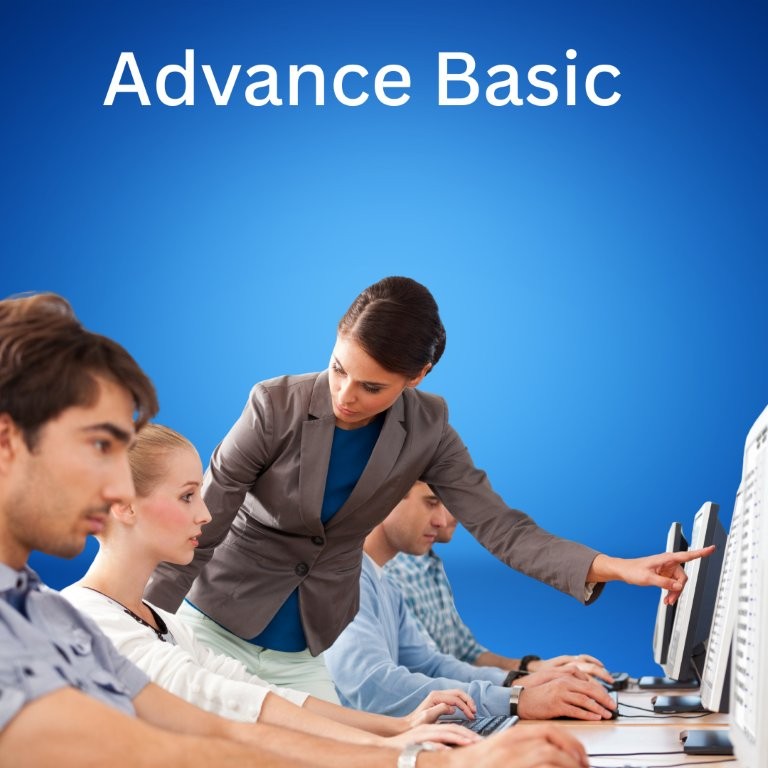

Advance Basic Computer Course Outline (With Advance Excel + AI Tools)
What will you Learn In This Course?
Tools Covered




Get set to step into a successful career journey. Get a head start with us.



 9996423465